Tidal Island is a survival game where you are stranded on a deserted island and must gather resources, craft items, and build a raft before the rising tide submerges everything.
Why I built it
Tidal Island started as a final project for CMSC 22 (Fundamentals of Object-Oriented Programming).1 The requirement was a Java app applying OOP concepts, but I probably would’ve built a game anyway. I’d never made one, and games have a lot of interacting objects: players, items, resources, inventories, crafting, world events. Much easier to understand OOP when you can see it working than when you’re just reading textbook examples.
The idea was inspired by survival games like Minecraft. I wanted something simple but with a complete loop: gather resources, craft tools, escape.
How it turned out
The game is now available on itch.io for free and is playable on Windows, Mac, and Linux.
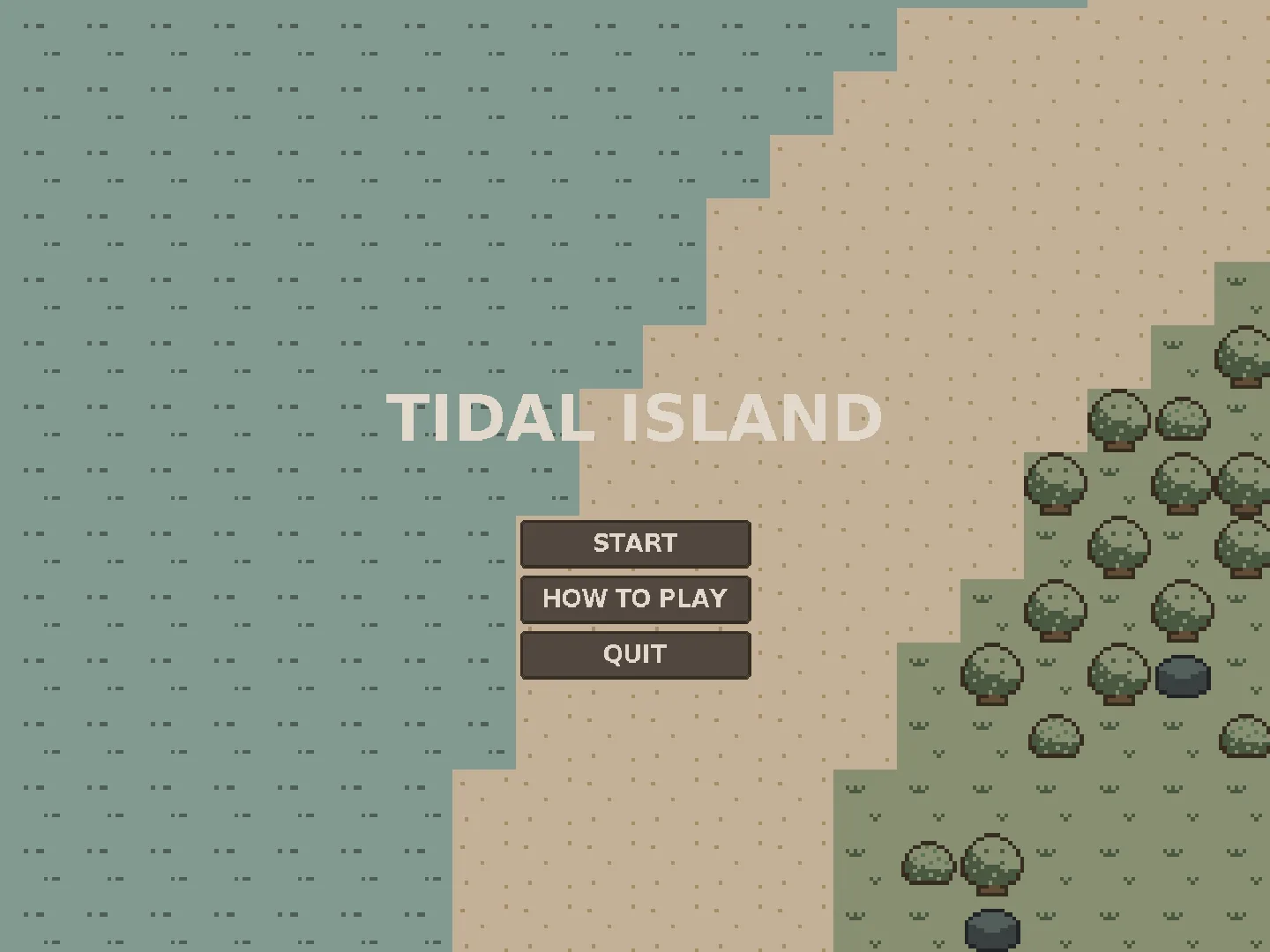
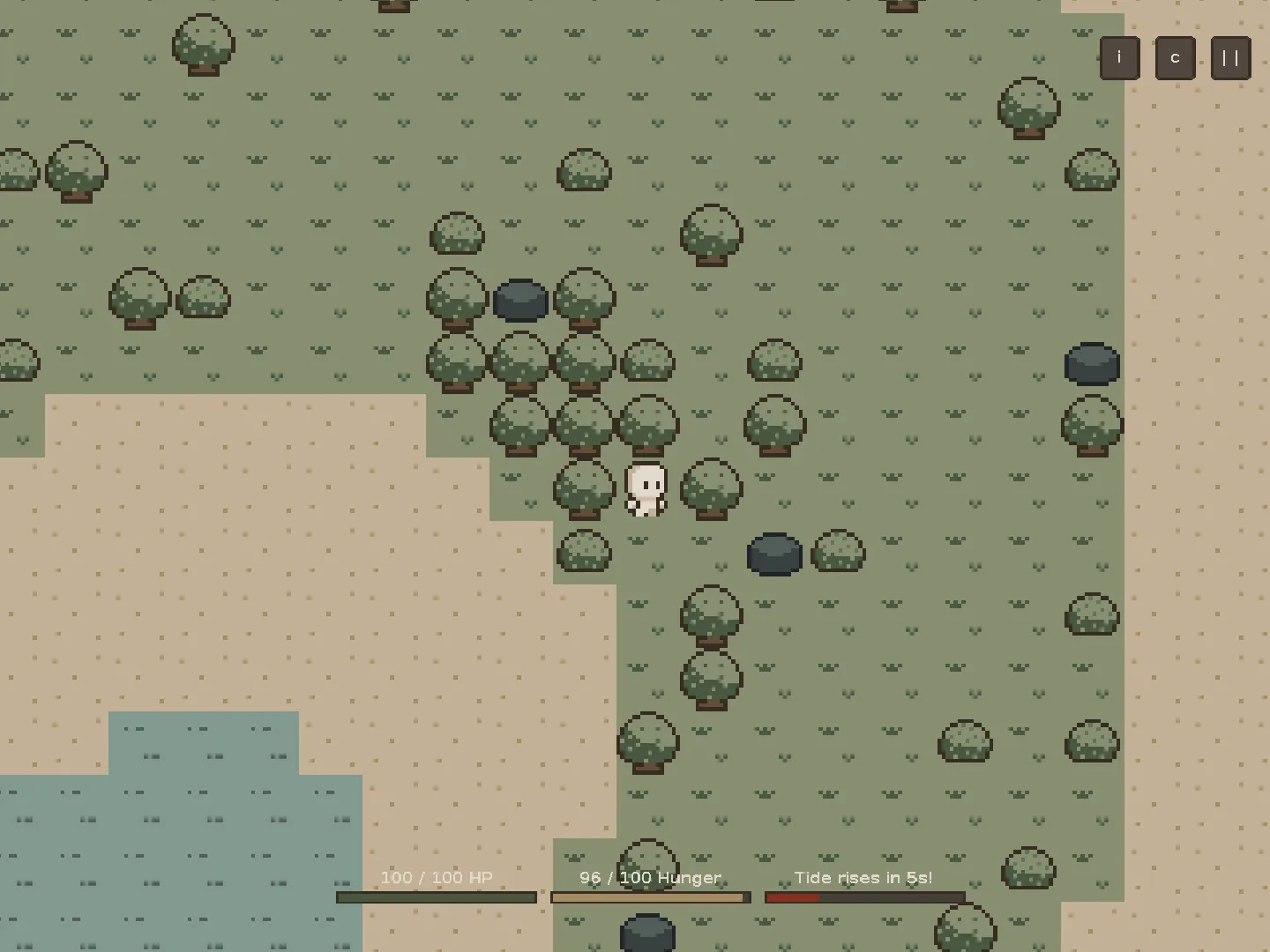

The gameplay loop is about surviving long enough to build a raft: collect materials, craft items, manage inventory, all while the tide slowly rises. The tide mechanic ended up being one of the more unique parts, not just because it had to work but because the flooding had to feel natural.
How I built it
Technologies I used
Java
(yep, that’s it…)
No game engine, everything built from scratch in Java. That meant implementing rendering, input handling, collision detection, object management, and game state myself, things an engine usually hands you for free.
Architecture and design
The project started small and the architecture grew with it. The final version is organized into several systems:
- Game engine
- Entity system
- Collision system
- Inventory and crafting system
- Tidal mechanics
- Event system
- UI system
You can read more about the architecture in the documentation.
---
config:
  layout: elk
  look: handDrawn
---

stateDiagram
    state Title
    state Playing
    state Pause
    state GameOver

    [*] --> Title
    Title --> Playing: Start Game
    Playing --> Pause: ESC
    Pause --> Playing: Resume
    Pause --> Title: Exit
    Playing --> GameOver: Death/Flood
    GameOver --> Playing: New Game
    GameOver --> Title: Exit
I applied design patterns like Singleton, Builder, Factory/Registry, Observer, State, and Template Method, and tried to follow SOLID where it made sense. What made these finally click was seeing them as actual game objects: a piece of wood isn’t just a variable, it’s an item with properties, and an inventory is a system that manages those items.
Developer experience
I also built tools to make development easier. The most useful was a debug rendering system that visualizes collision boxes, UI elements, and other internal state while playing.
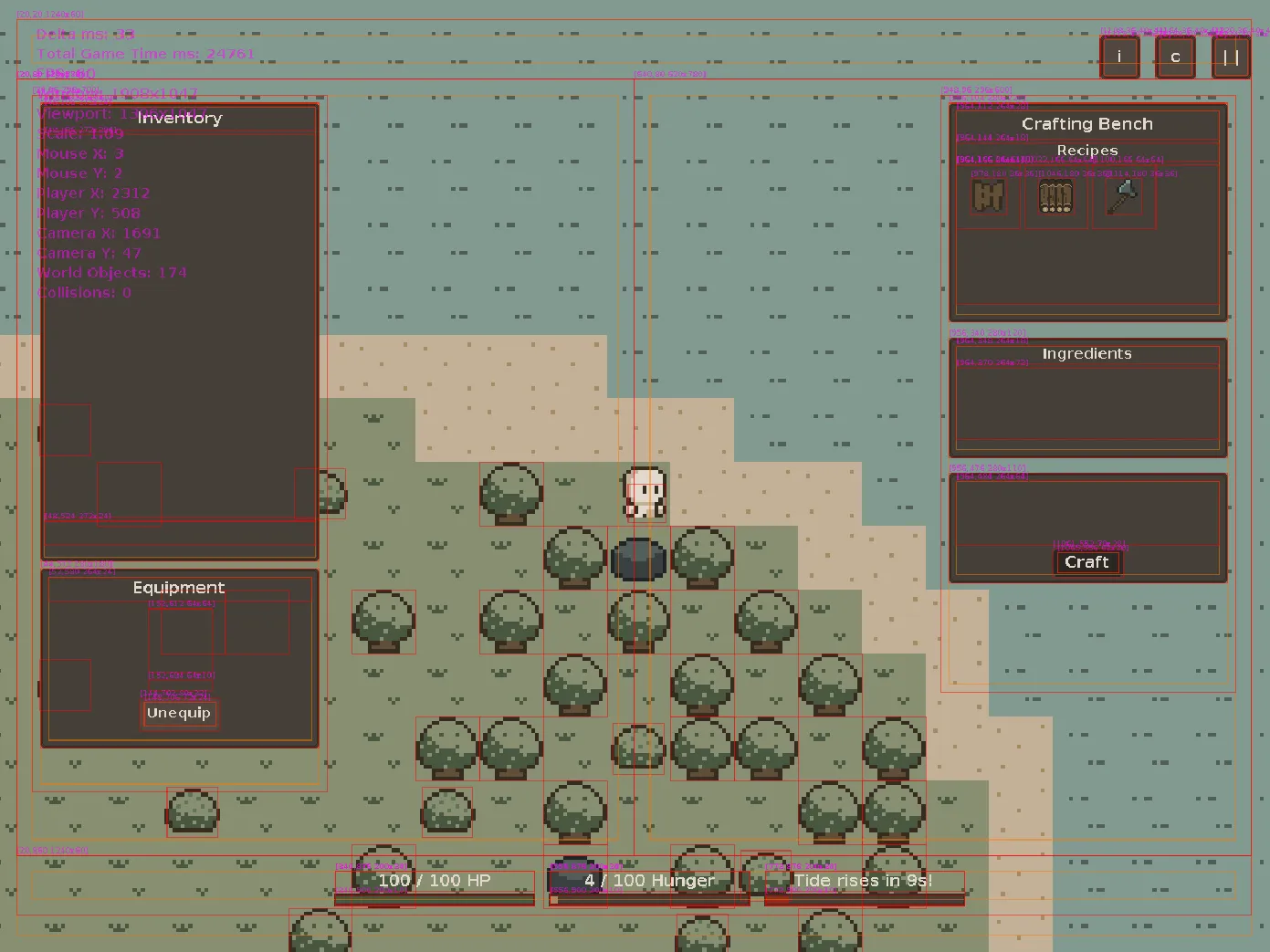
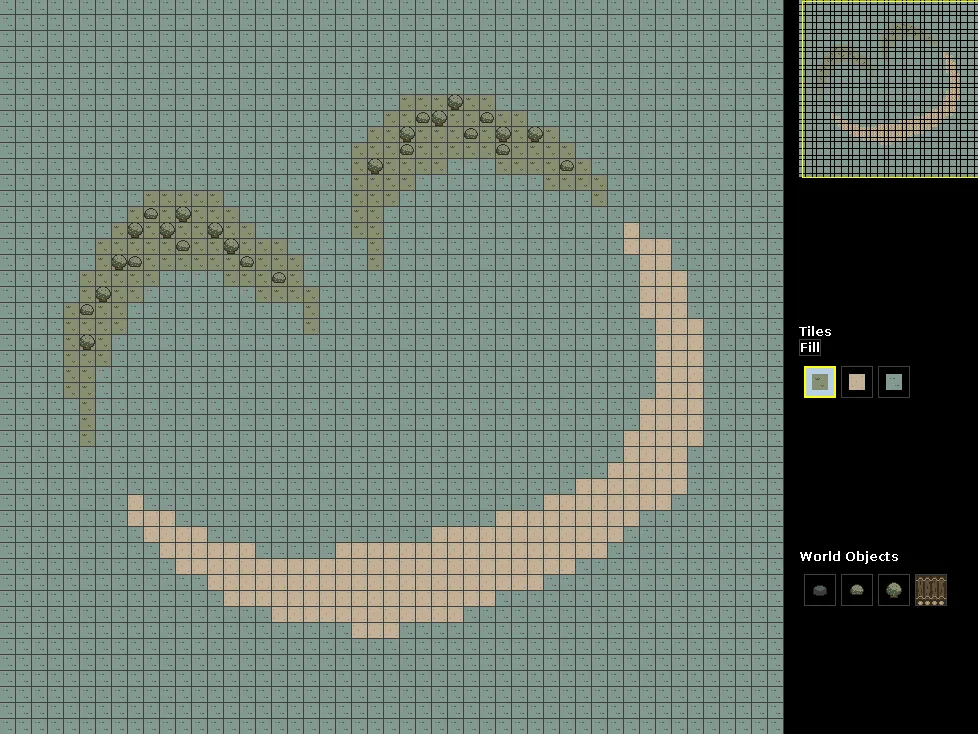
I also built a World Builder for designing maps visually, with tile painting, object placement, undo, and JSON export that the game loads directly. The project also has a JUnit test suite covering the important systems.
Art
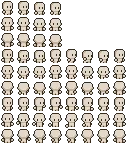
For graphics, I chose pixel art and made most of the sprites myself in Aseprite, still learning as I went, so a lot of trial and error getting animations to look right. For the player character, I started from a base sprite by Hana Caraka since it already had the animation states I needed, and modified it with my own colors.

What I learned
This project changed how I understood OOP. Before this, SOLID principles, inheritance, polymorphism, and design patterns felt abstract. Building a game gave them a concrete purpose.
I also learned game dev is harder than it looks: even a simple 2D game touches graphics, physics, input handling, state management, tooling, and UX.
Footnotes
CMSC 22 is a computer science course I took at UPV. It covers topics such as the pillars of OOP, SOLID principles, and design patterns. ↩