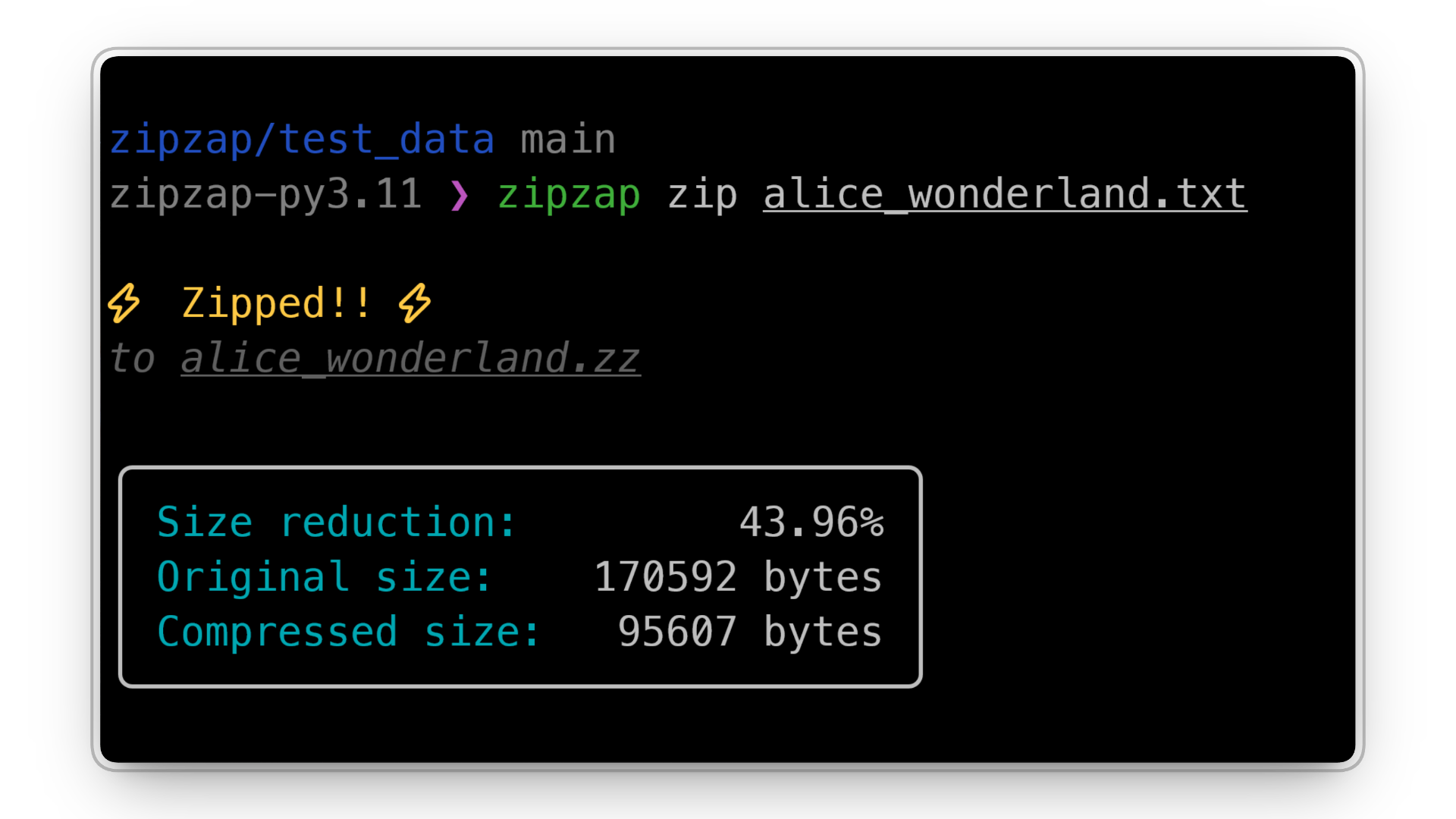
ZipZap is a CLI tool that compresses text files using Huffman coding. It was built as an experiment in implementing data structures and algorithms from scratch, including priority queues, binary trees, and hash maps.
Why I built it
I was already interested in how compression worked, and when I learned Huffman coding leans heavily on data structures, it became the obvious choice for my final project in CMSC 123 (Data Structures).1
The course had us implement data structures ourselves, and I wanted something where those implementations weren’t just isolated exercises. A compressor fit because the algorithm depends on several structures working together, giving them a real workload instead of just passing tests.
How it turned out
Users can use ZipZap as a CLI tool to compress and decompress text files.
zipzap zip original.txt -o compressed.zzzipzap zap compressed.zz -o decompressed.txtIt gets around 50-60% size reduction on typical text files. It’s not meant to compete with gzip, but it does show a full compression and decompression pipeline working end to end.
It also has inspection flags I added during development and kept: --time for timing, --tree to print the Huffman tree, --codebook for the character-to-bit mappings, and --contents for the raw encoded bitstream. Useful for seeing what’s normally hidden.
How I built it
The core algorithm follows Huffman coding: count character frequencies, then build a tree by repeatedly combining the least frequent nodes with a priority queue.
For example, given the input:
aaaabbcdethe frequencies are used to construct a tree where frequently occurring characters receive shorter binary codes.
---
config:
    look: handDrawn
---

flowchart TD
    Root["9"]

    Root --> L["4: a"]
    Root --> R["5"]

    R --> R1["2: b"]
    R --> R2["3"]

    R2 --> R21["1: c"]
    R2 --> R22["2"]

    R22 --> R221["1: d"]
    R22 --> R222["1: e"]

    style Root fill:#1f2020
ZipZap uses canonical Huffman codes, so instead of storing the whole tree, it only stores enough metadata to rebuild the codebook on decompression.
---
config:
    look: handDrawn
---

flowchart TD
    START([Input: original.txt]) --> READ[Read text file] --> FREQ_COUNT[Count character frequencies]
    FREQ_COUNT --> |"{'a':5,'b':3,'c':2}"| HEAP_INIT[Initialize min-heap]
    HEAP_INIT --> HEAP_LOOP{Heap size > 1?}
    HEAP_LOOP -->|Yes| POP2[Pop 2 minimum nodes]
    POP2 --> MERGE[Merge into parent node]
    MERGE --> PUSH[Push parent back]
    PUSH --> HEAP_LOOP
    HEAP_LOOP -->|No| TREE_DONE[Huffman tree complete]
    TREE_DONE --> TRAVERSE[Traverse tree and get code lengths]
    TRAVERSE --> CANONICAL[Generate canonical codebook]
    CANONICAL --> ENCODE_CHARS[Encode characters]
    ENCODE_CHARS --> WRITE[Write metadata and packed bytes]
    WRITE --> END([Output: compressed.zz])

    style START fill:#1f2020
All the major data structures are implemented from scratch, no heapq or defaultdict. The hardest part wasn’t the structures themselves but handling raw bits: packing encoded data, tracking unused padding bits, and reconstructing the original text exactly on decompression.
What I learned
ZipZap gave me a different perspective on data structures. Before this, heaps, trees, and hash maps were mostly things I implemented because a course required them. Building a working compressor showed why they exist and how they interact in a larger system.
It also reinforced how unforgiving compression is: one small mistake in encoding or decoding and the whole output is unusable. This was never about replacing gzip, it was about proving I could turn a textbook concept into working software.
Footnotes
CMSC 123 is a computer science course I took at UPV. It covers topics such as stacks, queues, trees, and hash maps. ↩